Invoices
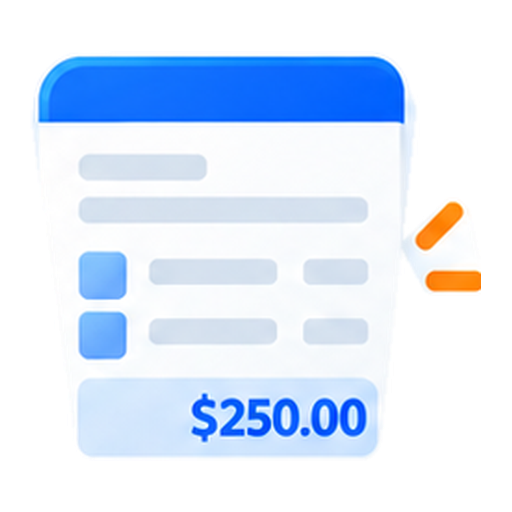
When the work is finished, make a bill from it. Send a link the customer can pay.
- $0 a monthIncluded in Free Software
- For your officeand technicians
- Works on desktopand mobile
John R.Owner
Get paidInvoices
Build the billWhen the work is finished, make a bill from it. Send a link the customer can pay.
Step 1Build the billAdd the lines, the tax, and a due date.
Step 2Send itText and email carry the pay link.
Step 3Watch itYou can see sent, viewed, partly paid, paid, or overdue.
Invoices
Deposits & progress billsAsk for a deposit, a progress payment, or the remaining balance.
Record partial paymentsLog a partial payment and keep the remaining balance clear.
Automatic due remindersSend reminders before the due date and at 3, 7, and 14 days overdue.
Build the bill
Add the lines, the tax, and a due date.
Send it
Text and email carry the pay link.
Watch it
You can see sent, viewed, partly paid, paid, or overdue.

What you can do
Everything you need to keep work moving and your team on the same page.
Deposits & progress bills
Ask for a deposit, a progress payment, or the remaining balance.
Record partial payments
Log a partial payment and keep the remaining balance clear.
Automatic due reminders
Send reminders before the due date and at 3, 7, and 14 days overdue.
Track every invoice state
See sent, viewed, partly paid, paid, or overdue at a glance.