Contracts
Write what you will do and what it costs. The customer signs on a phone or a computer.
- $0 a monthIncluded in Free Software
- For your officeand technicians
- Works on desktopand mobile
John R.Owner
QuoteContracts
Write itWrite what you will do and what it costs. The customer signs on a phone or a computer.
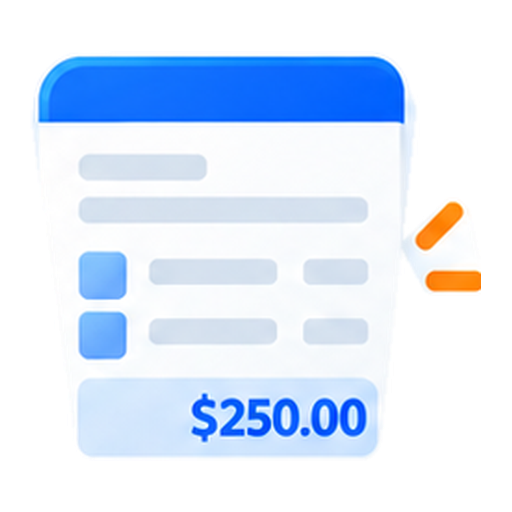
Step 1Write itAdd the customer, the scope, the terms, and the total.
Step 2Send the linkThey read it and sign.
Step 3Keep the copyThe signed agreement stays with the job.
Contracts
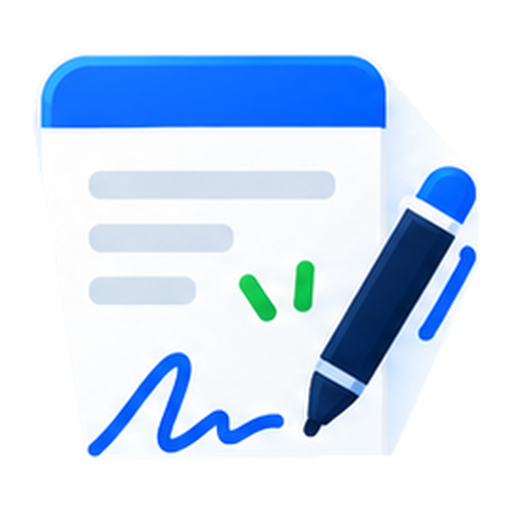
Type, draw, or upload a signatureCustomers can type a name, draw their signature, or upload one.
Sign first or afterYou can sign the agreement first, or counter-sign after they do.
Start from a templateSave standard terms and scopes so new agreements take seconds.
Write it
Add the customer, the scope, the terms, and the total.
Send the link
They read it and sign.
Keep the copy
The signed agreement stays with the job.

What you can do
Everything you need to keep work moving and your team on the same page.

Type, draw, or upload a signature
Customers can type a name, draw their signature, or upload one.
Sign first or after
You can sign the agreement first, or counter-sign after they do.
Start from a template
Save standard terms and scopes so new agreements take seconds.
Set an expiration date
Set the day the offer expires if it has not been signed.